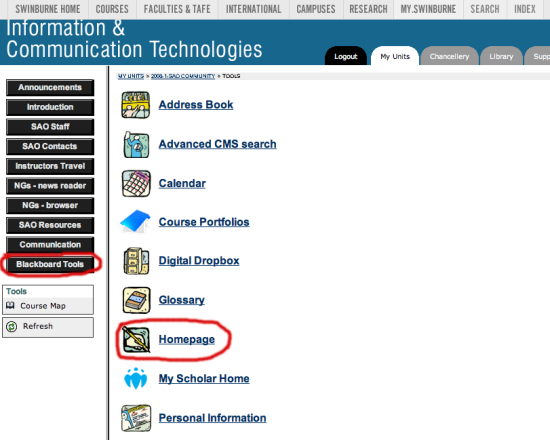
Additional Blackboard Communication Features
There additional communication features are
only available from
the
SAO Community site,
which all SAO students are automatically enrolled in. You will see a
link to the SAO Community site when you login to Blackboard.
- From the SAO Community site you will find a link to Communication
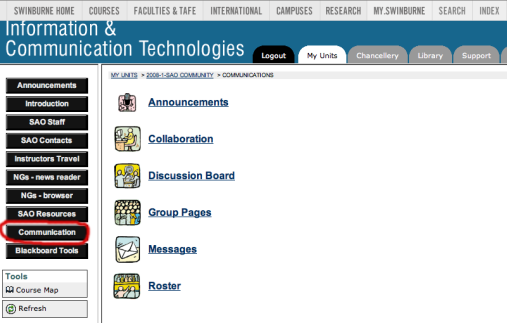
- The Announcements link takes you to the usual announcements site
- The Collaboration link takes you to Blackboard's virtual classroom,
which is Blackboard's version of Internet Relay Chat (IRC). This area is
not used for assessment purposes at all, but if students wish to
'chat' with each other they can. For details, see the ITS
Blackboard Help site.
- The Discussion Boards are just the newsgroups
- The Roster link will take you to your fellow student's homepage.
To view homepages, click on the roster link in the Communications
area and search for the student you're looking for.
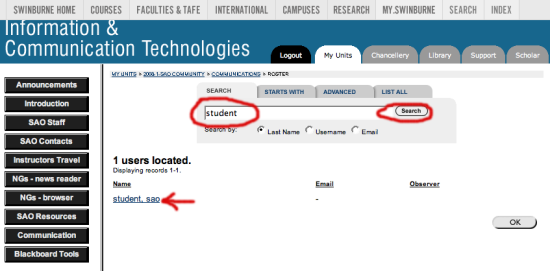
Clicking on the search link will take you to their Bb homepage:
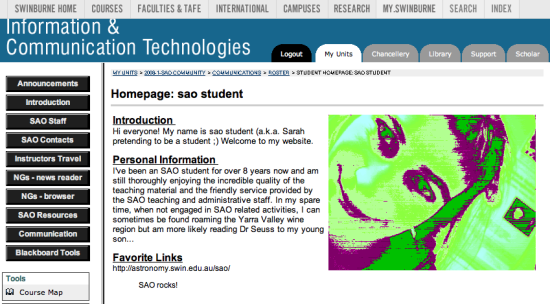
- To create your Bb homepage for your fellow students to view, go to the
Blackboard Tools link on the
SAO Community site and follow the Edit Your Homepage link.